Find and use trustworthy academic video content from The Great Courses directly in your own LMS.
Add a 3-5 minute video segment to explain a concept
Assign a 30 minute lecture to flip your class discussions.
Use an entire course as a common learning path for students.
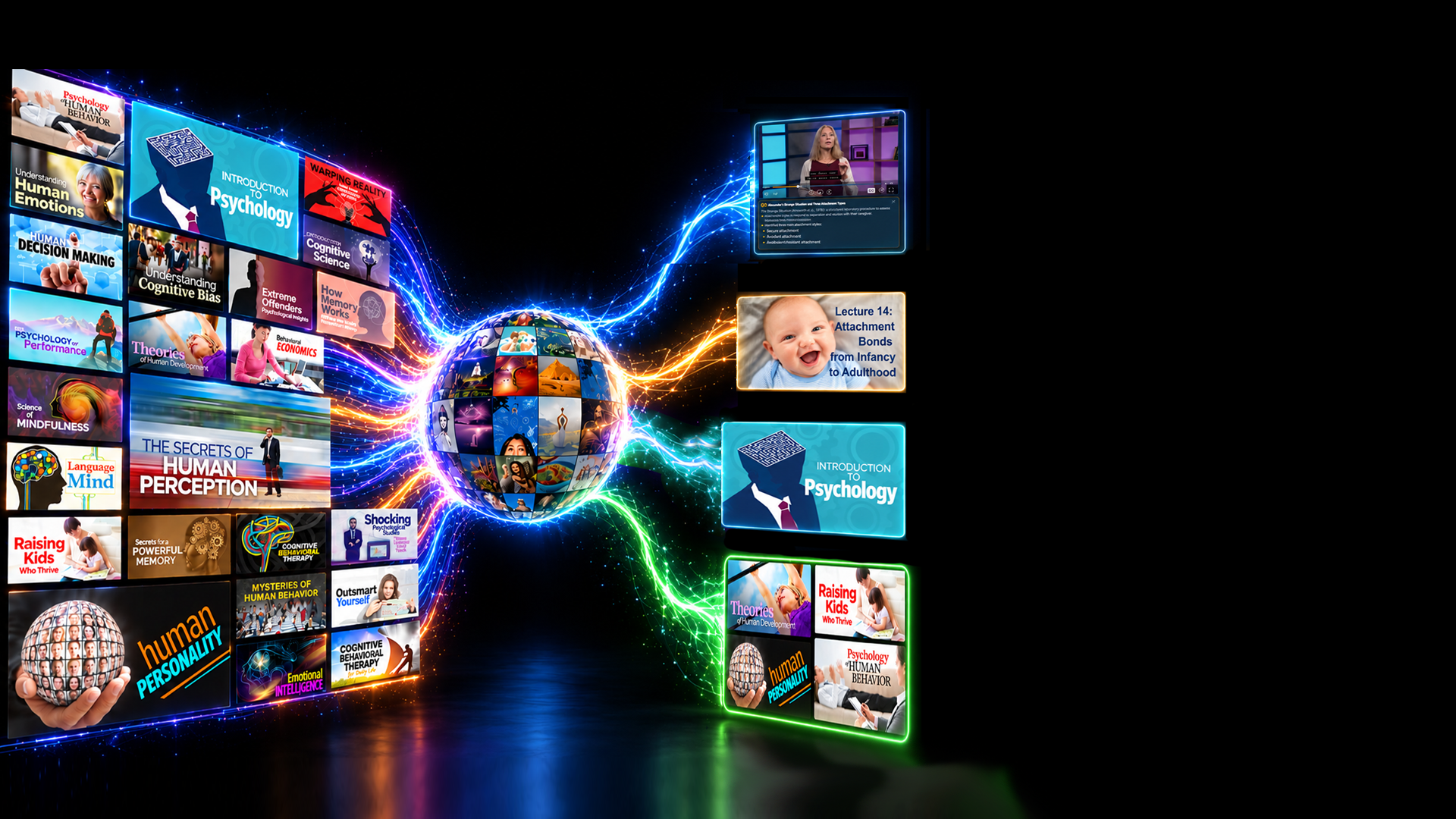
Create your own learning path from thousands of lectures
Get Started Today
—from entire lectures to small teaching moments
TGC Campus Video Library


Assign
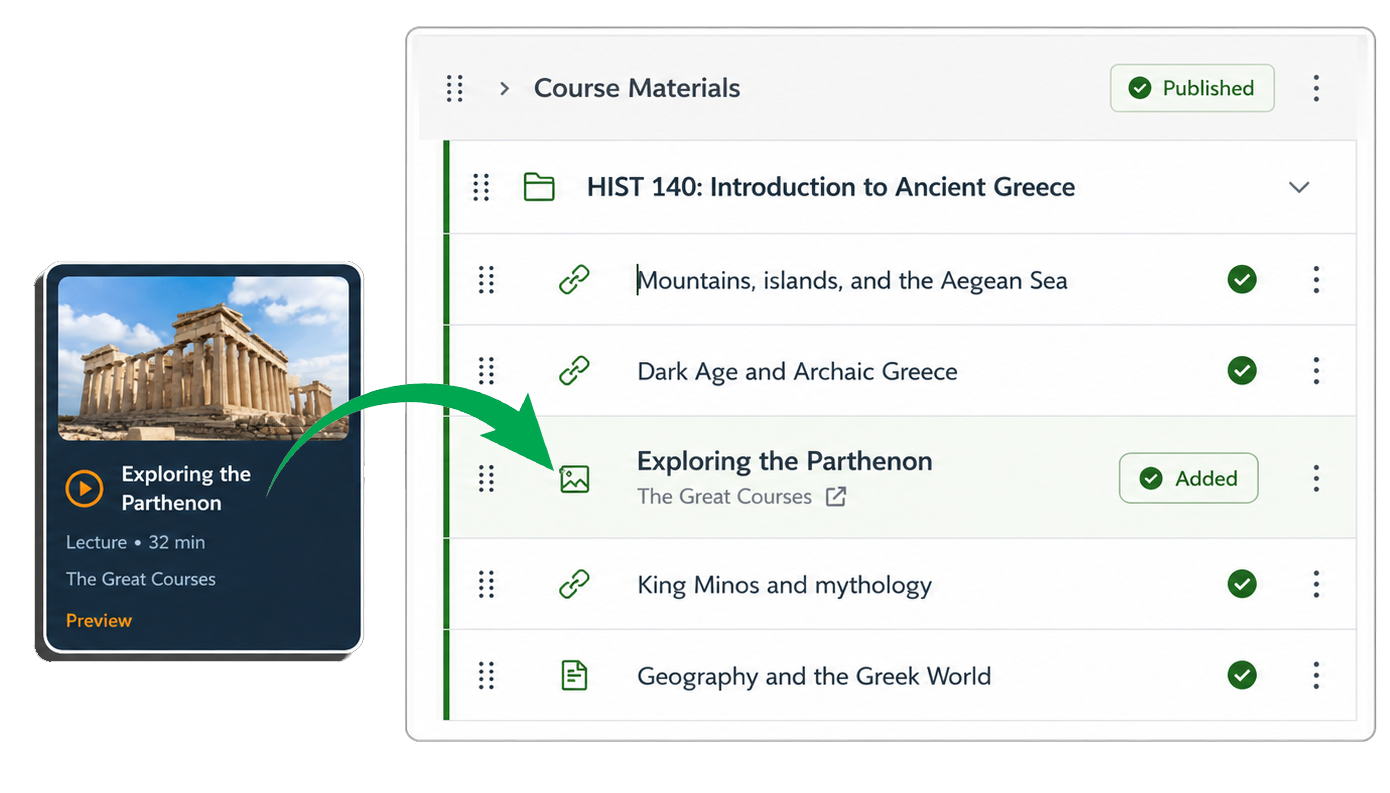
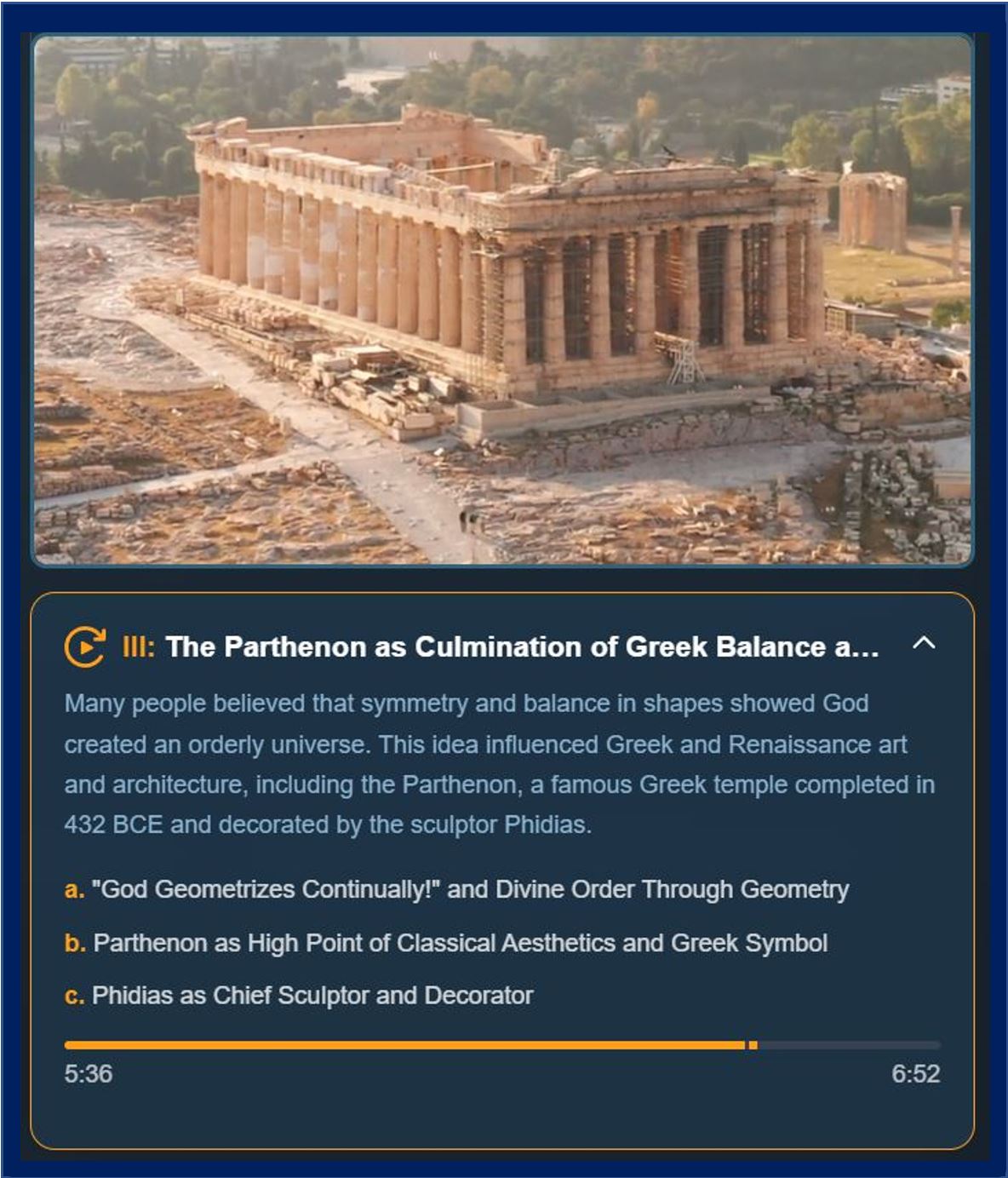
Faculty can move directly from discovery to instruction, assigning individual lectures or short video segments directly inside their LMS.
Preview
Faculty can instantly preview lectures and individual segments, making it easy to evaluate relevance, quality, and fit before adding content to a course.
Search
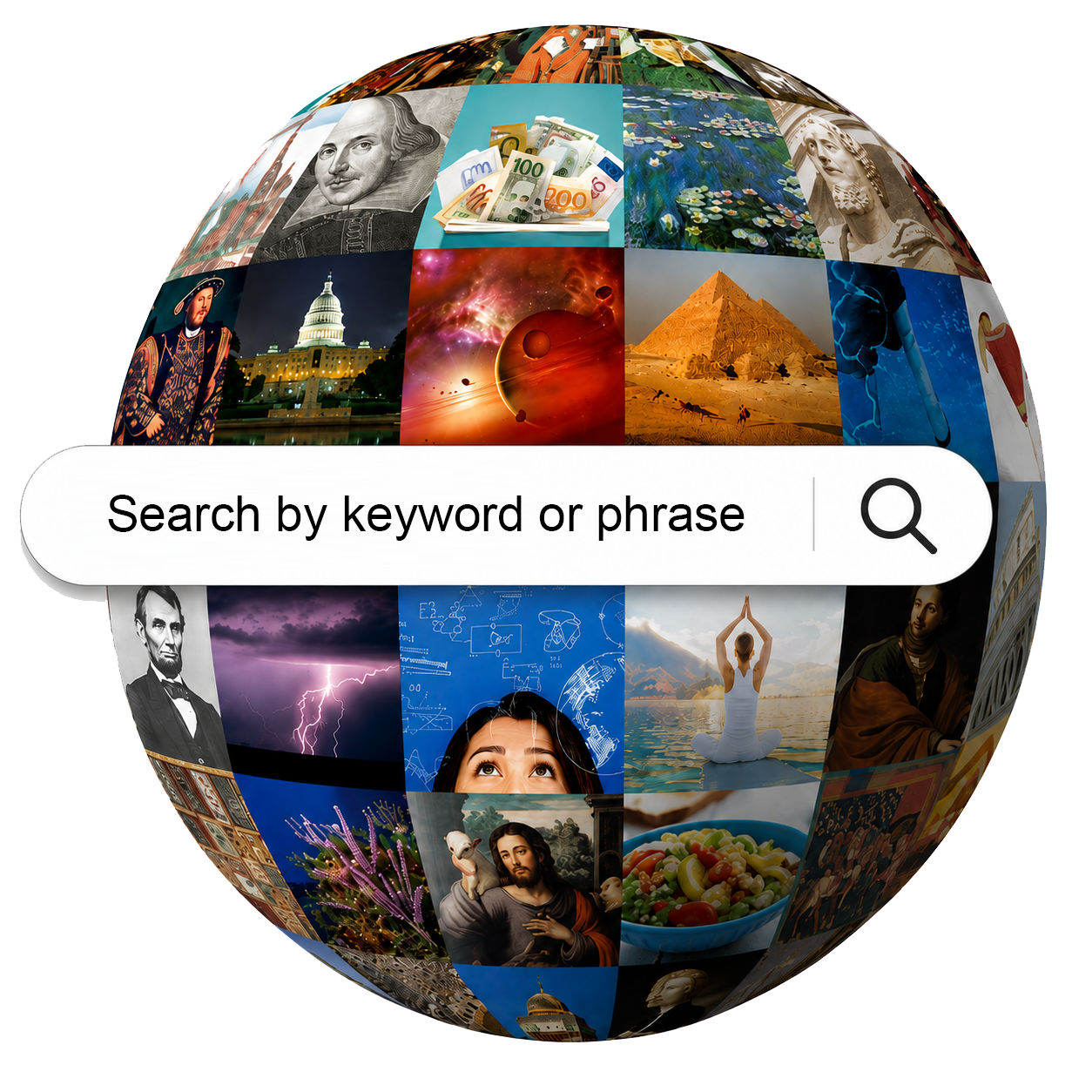
The entire library is searchable by keyword down to the teaching moment, allowing faculty and course-creators to quickly locate and evaluate content.

Online & Distance
Launch Online Fast
An ODL team needs to move a high-demand course online for the next semester. Instead of producing an entire semester of video, they use Great Courses lectures for core instruction and add university discussions, assignments, and assessments around them.
Expand Online Offerings
A university wants to add several new online Gen Ed courses but has limited internal production capacity. The ODL team uses Great Courses Campus as a ready source of academic video, allowing faculty to concentrate on course design and student engagement.
Improve an Existing Online Course
An ODL team reviews an asynchronous course that relies heavily on readings, slides, and recorded Zoom lectures. They introduce carefully selected Great Courses segments throughout the course to create a more engaging and polished online learning experience.
Instructional Designers
Build a New Course
An instructional designer developing an introductory psychology course searches for material on memory, cognition, development, and behavior, then selects lectures and segments that align with each module’s learning objectives.
Refresh an Existing Course
An instructional designer identifies modules that rely heavily on readings or aging media and replaces or supplements them with current, professionally produced Great Courses video—all without redesigning the entire course.
Standardize Multiple Sections
An instructional designer supporting a high-enrollment course creates a common set of video assignments that every section uses, establishing a consistent instructional foundation while leaving individual faculty free to teach the course their own way.
Faculty
Flip the Classroom
A history professor assigns a 10-minute segment on the French Revolution before class, giving students the essential background they need so class time can focus on primary sources, discussion, and debate.
Fill a Content Gap
A psychology professor wants to spend a week on memory but doesn’t have a lecture that covers the topic in enough depth. They quickly find and assign an expert-taught Great Courses lecture that fits directly into the existing syllabus.
Bring in Another Expert
A biology professor teaching evolution assigns a segment from a Great Courses professor who approaches the subject from a different perspective, giving students another expert voice without changing the structure of the course.

Who is This For?
Reach out and Start a Conversation with Us.
Depth of Content and Depth of Subjects

Find the specific content in seconds using new video-search technology based on academic outlines.
Powerful Search Means Powerful Results


Parthenon X


